
No products
PROG.TOOLS FOR ESC
- DRONES
- HELIS
- PLANES
- CARS
- BOATS
- SPARE PARTS
- QUAD COPTERS
- MICRO QUAD PARTS
- ALIGN M424 Quadcopter
- Quanum/CX-20/ DJI PARTS
- Cheerson CX-33 Parts
- Cheerson CX-35 parts
- freeX Parts
- SYMA X5 PARTS
- SYMA X8 PARTS
- HUSBAN PARTS
- WLtoys PARTS
- Tarantula X6
- Q-BOT PARTS
- Zoopa Q parts
- Eachine
- VISUO XS809/XS816 parts
- Eachine E58 PARTS / X-PRO
- VISUO XS812 GPS parts
- SHRC H1G GPS PARTS
- Eachine Tyro99
- Wltoys XK X1
- FUNSKY S20 PARTS
- Eachine E520S GPS PARTS
- Eachine E511S GPS PARTS
- Eachine Tyro79 parts
- Eachine EG16 parts
- Eachine Tyro129 parts
- Eachine Tyro109 parts
- Eachine Tyro69 parts
- JJRC X16 5G parts
- Eachine Tyro89 parts
- ΕΛΙΚΟΠΤΕΡΑ
- ALIGN
- ESKY
- E-FLITE
- TAROT (100% COPY ALIGN)
- WALKERA
- Walkera 38 Parts
- Walkera 4-3B/4-3Q2 Parts
- Walkera 5-10 Parts
- Walkera 5-6 Parts
- Walkera 53-1 Parts
- Walkera 5G6 Parts
- Walkera LAMA2 Parts
- Walkera UFO 5 Parts
- Walkera 4G3 Parts
- Walkera Metal Upgrade Parts
- Walkera 5G6-1 Parts
- Walkera 5G4Q3 Parts
- WALKERA 5-4,5,8 PARTS
- Walkera 53Q3 PARTS
- Walkera UFO8 Parts
- Walkera LAMA 400 Parts
- WALKERA LAMA2Q PARTS
- WALKERA LAMA2Q1 PARTS
- WALKERA UFLY
- Walkera 4G6
- SKYARTEC
- SKYA
- Hisky
- Wltoys
- ARK
- HK
- THUNDER TIGER
- GAUI
- ELE
- OUTRAGE
- COPTER X
- HDX
- Copter V-MAX Parts
- Copter Mini X - SH-6025-1
- ACME HELIS
- XK
- Eachine Parts
- XK-WLTOYS
- RC ERA HELIS
- ΑΕΡΟΠΛΑΝΑ
- ΑΥΤΟΚΙΝΗΤΑ
- Accessories
- 1/16 Short Course Truck
- 1/16 Brushless 4WD Racing Buggy
- JJRC Q35/Q36 PARTS
- 9115 parts
- Wltoys A989/A999/L939/K969/K989
- WLtoys A949 A959 A969 A979 PARTS
- Wltoys L959/L969/L979
- Wltoys 144001 parts
- Pxtoys PX9300 1/18
- RC Trailer
- Wltoys 12429 parts
- Eachine EAT04/Feiyue FY01/2/3 1/12 parts
- XLF X03 1/10 PARTS
- Xinlehong 913xx 1/16 PARTS
- Wltoys 12428 parts
- Wltoys 104001 1/10 PARTS
- Wltoys 124017 1/12 PARTS
- Wltoys 124018 1/12 PARTS
- HBX 16886 1/14 4WD PARTS
- HBX 903 RTR 1/12 2.4G 4WD PARTS
- HBX 16889A Pro 1/16 2.4G PARTS
- Wltoys 104009/12402 1/10 PARTS
- Wltoys XK 22201 1/22 parts
- F-20 2.4GHz 1/12 - PARTS
- Wltoys 144010 1/14 PARTS
- Eachine EAT15 Parts
- Wltoys 124010 1/12 PARTS
- Wltoys 284131 1/28 PARTS
- Wltoys 284161 1/28 PARTS
- Wltoys 124008 1/12 PARTS
- Wltoys 284010 1/28 PARTS
- 1/10 HSP PARTS
- Wltoys 184008 1/18 - parts
- WLTOYS 144016 1/14 - PARTS
- BOATS
- BLADES
- RC BEARINGS
- QUAD COPTERS
- RADIOS
- ELECTRONICS
- SPEED CONTROLLERS
- SERVOS
- FPV SYSTEMS
- ΚΑΛΩΔΙΑ & ADAPTERS
- SIMULATORS
- BEC & Regulator
- GADGETS
- ΜΠΟΥΖΟΠΙΠΕΣ
- ΦΩΤΑ & Night Flying
- ACME FlyCams
- ΔΙΑΦΟΡΑ
- BATTERIES & CHARGERS
- MOTOR
- TOOLS-ACCESSORIES
- ΕΡΓΑΛΕΙΑ ΜΕΤΡΗΣΕΩΝ
- ΒΑΛΙΤΣΕΣ
- COVERING FILMS
- ΚΟΛΛΕΣ & ThreadLock
- ΑΕΡΟΓΡΑΦΟΙ
- ΝΤΙΖΕΣ & AΞΕΣΟΥΑΡ
- ΔΙΑΦΟΡΑ ΑΞΕΣΟΥΑΡ
- ΑΞΕΣΟΥΑΡ NITRO
- ΜΠΟΥΖΙ
- ΜΙΖΕΣ
- ΤΡΟΜΠΕΣ ΚΑΥΣΙΜΟΥ
- ΕΡΓΑΛΕΙΑ & ΟΡΓΑΝΑ ΑΚΡΙΒΕΙΑΣ
- ΦΙΛΤΡΑ ΚΑΥΣΙΜΟΥ
- ΒΙΔΕΣ & Washer & E-Clips
- TRAINING KIT
- PITCH GAUGE
- TESTER
- TAPES & VELCRO
- Lubricants & Accessories
- DECALS & STICKERS
- ΕΡΓΑΛΕΙΑ MULTIFUNCTIONAL SKYA
- ΖΥΓΑΡΙΕΣ
- Cleaning Accessories
- Swashplate Leveler
- Starter Shaft
- Glow Ignitors
- DIGITAL MULTIMETERS
- LIGHTNING LED
- SOLDERING IRON
- HAND TOOLS
- DEPRON
- ΚΟΥΤΙΑ ΑΠΟΘΗΚΕΥΣΗΣ
- ΜΠΡΟΣΕΛΕΣ
- ΔΕΜΑΤΙΚΑ
- FOR BEGINNERS
- GADGETS FOR PC
- MAGAZINES & DVD
- SLUBAN BRICKS
- 3D PRINTERS / SCANNERS
- 3D PUZZLES
- ARDUINO - ROBOTICS
- DIY Electronic KIT
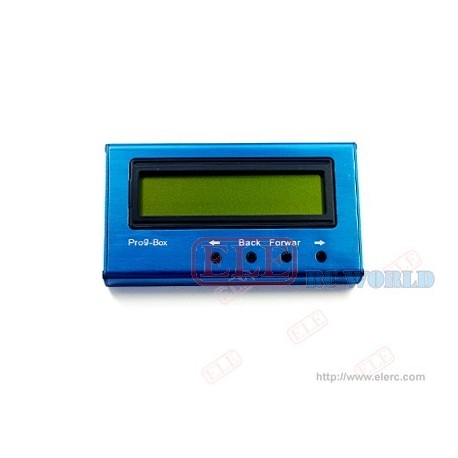
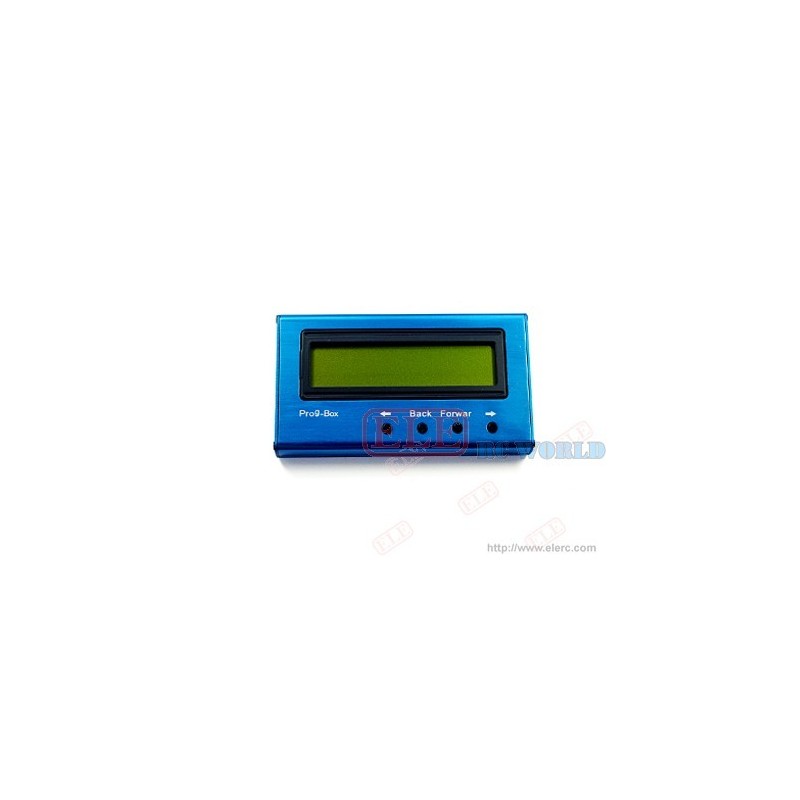
More info
Program Box Instruction Manual for car & Boat Speed Controller
Function Item | Parameters | Function/Parameters Note |
Reverse | On/Off | Select forward only or forward/backward |
Timing | 2,8,15,30(°) set by transmitter | Set correct timing mode according to the type of motor 2 poles: 0-7 (°) 4 poles: 5-15 (°) 8 poles: 10-20 (°) 10 poles (and above): set to 20 (°) above |
0.1,2....30(°) By Prog-BOX | ||
FREQUENCY ? | 8,16,32 (Khz) | Set correct PWM according to the type of motor. 8Khz: common setting, lowest efficiency loss 16Khz: suit for low resistance motors 32Khz: suit for low inductance motors |
| ||
| ||
| ||
ACCELERATION | SOFT/ MEDIUM / HARD | Acceleration modes by controlling throttle delay |
Accumulator type | Nicd /Nimh /lo (Li-ion) /po (Li-poly) | Select battery types |
Nicd/NiMh (V) | 0.4,0.5......1.0(V) per cell | Set cut-off voltage per cell for Ni-Mh/Ni-Cd batteries |
Lo (Li-ion)/po (Li-poly) (V) | Auto? | Auto detect only work under 2-3 cells |
2,3,4,5 cell Li-lo /Li-Po | Set cell number by Prog- BOX | |
Lo/Po Li-ion cutting- off voltage per cell | 2.0,2.1......3.2(V) | Set cut-off voltage per cell, recommend no lower than 3.0 (V) |
CUT OFF SLOW DOWN | Slow Down / Hard | Set the mode of cut=off, lower throttle or cut-off immediately |
ABS? | On/Off | Set ABS on or off |
Power Limit (forward) Power Limit (backward) | Off 75%. 50%, 25% Off 75%. 50%, 25% | General output limit General output limit |
Delay reverse delay | 0.25, 0.5, 0.75, 1, 1.5, 2.5 (seconds) | Delay duration before reverse |
Forward Point Throttle ( forward) Highest point Reverse/Brake point Throttle (backward) lowest point | Auto detect Fixed: 1.7, 1.8 ...2.0 (mS) Auto detect Fixed: 1.0,1.0...1.3(mS) |
|
Timing Monitor | On | Startup timing monitor, used for sensorless motors |
off |
- Connect the motor to speed controller
- For OPTO series speed controllers, you need 4.8-6V battery pack for the Prog -box
- Connect JR plug to the correspondence position
- Switch on speed controller power, select speed contro;;er type
- Follow the information displayed on the LED, and press UpDownLeftRight buttons to select the function you want to set.
- You will hear a ‘Beep' when an option is set successfully.
- Once complete all the settings, switch off the power, and diswconnest the JR plug.