Κανένα προϊόν
FLIGHT STABILIZATION SYSTEMS
- DRONES
- ΕΛΙΚΟΠΤΕΡΑ
- ΑΕΡΟΠΛΑΝΑ
- ΑΥΤΟΚΙΝΗΤΑ
- ΣΚΑΦΗ
- ΑΝΤΑΛΛΑΚΤΙΚΑ
- QUAD COPTERS
- MICRO QUAD PARTS
- ALIGN M424 Quadcopter
- Quanum/CX-20/ DJI PARTS
- Cheerson CX-33 Parts
- Cheerson CX-35 parts
- FreeX Parts
- SYMA X5 PARTS
- SYMA X8 PARTS
- HUSBAN PARTS
- WLtoys V686 PARTS
- Tarantula X6
- Q-BOT parts
- Zoopa Q parts
- Eachine
- VISUO XS809/XS816 parts
- Eachine E58 PARTS / X-PRO
- VISUO XS812 GPS parts
- SHRC H1G GPS PARTS
- Eachine Tyro99
- Wltoys XK X1
- FUNSKY S20 PARTS
- Eachine E520S GPS PARTS
- Eachine E511S GPS PARTS
- Eachine Tyro79 parts
- Eachine EG16 parts
- Eachine Tyro129 parts
- Eachine Tyro109 parts
- Eachine Tyro69 parts
- JJRC X16 5G parts
- Eachine Tyro89 parts
- ΕΛΙΚΟΠΤΕΡΑ
- ALIGN
- TREX 100 / TREX 100X
- TREX 150 DFC
- TREX 250 / DFC
- TREX 250SE/PRO/DFC
- TREX 450SE/V1/V2/V3
- TREX 450 SPORT/V2/PLUS
- TREX 450 PRO/V2/DFC/3GX
- 450L DOMINATOR Parts
- TREX 500 /ESP/EFL/PRO/3G/DFC
- TREX 550E / PRO / DFC
- TREX 600E / ESP / 3G / PRO / EFL / DFC
- TREX 600N / Limited / 3G
- TREX 700N / Limited / 700E / 3G / DFC / 800E
- ESKY
- E-FLITE
- TAROT (100% COPY ALIGN)
- WALKERA
- Walkera 38 Parts
- Walkera 4-3B/4-3Q2 Parts
- Walkera 5-10 Parts
- Walkera 5-6 Parts
- Walkera 53-1 Parts
- Walkera 5G6 Parts
- Walkera LAMA2 Parts
- Walkera UFO 5 Parts
- Walkera 4G3 Parts
- Walkera Metal Upgrade Parts
- Walkera 5G6-1 Parts
- Walkera 5G4Q3 Parts
- WALKERA 5-4,5,8 PARTS
- Walkera 53Q3 PARTS
- Walkera UFO8 Parts
- Walkera LAMA 400 Parts
- WALKERA LAMA2Q PARTS
- WALKERA LAMA2Q1 PARTS
- WALKERA UFLY
- Walkera 4G6
- SKYARTEC
- SKYA
- Hisky
- Wltoys
- ARK
- HK
- THUNDER TIGER
- GAUI
- ELE
- OUTRAGE
- COPTER X
- HDX
- Copter V-MAX Parts
- Copter Mini X - SH-6025-1
- ACME HELIS
- XK
- Eachine Parts
- XK-WLTOYS
- RC ERA HELIS
- ALIGN
- ΑΕΡΟΠΛΑΝΑ
- ΑΥΤΟΚΙΝΗΤΑ
- Accessories
- 1/16 Short Course Truck
- 1/16 Brushless 4WD Racing Buggy
- JJRC Q35/Q36 PARTS
- 9115 parts
- Wltoys A989/A999/L939/K969/K989
- WLtoys A949 A959 A969 A979 PARTS
- Wltoys L959/L969/L979
- Wltoys 144001 parts
- Pxtoys PX9300 1/18
- RC Trailer
- Wltoys 12429 parts
- Eachine EAT04/Feiyue FY01/2/3 1/12 parts
- XLF X03 1/10 PARTS
- Xinlehong 913xx 1/16 PARTS
- Wltoys 12428 parts
- Wltoys 104001 1/10 PARTS
- Wltoys 124017 1/12 PARTS
- Wltoys 124018 1/12 PARTS
- HBX 16886 1/14 4WD PARTS
- HBX 903 RTR 1/12 2.4G 4WD PARTS
- HBX 16889A Pro 1/16 2.4G PARTS
- Wltoys 104009/12402 1/10 PARTS
- Wltoys XK 22201 1/22 parts
- F-20 2.4GHz 1/12 - PARTS
- Wltoys 144010 1/14 PARTS
- Eachine EAT15 Parts
- Wltoys 124010 1/12 PARTS
- Wltoys 284131 1/28 PARTS
- Wltoys 284161 1/28 PARTS
- Wltoys 124008 1/12 PARTS
- Wltoys 284010 1/28 PARTS
- 1/10 HSP PARTS
- Wltoys 184008 1/18 - parts
- WLTOYS 144016 1/14 - PARTS
- ΒΑΡΚΕΣ
- ΕΛΙΚΕΣ - BLADES
- RC BEARINGS
- QUAD COPTERS
- ΤΗΛΕΚΑΤΕΥΘΥΝΣΕΙΣ
- ΗΛΕΚΤΡΟΝΙΚΑ
- SPEED CONTROLLERS
- SERVOS
- FPV SYSTEMS
- ΚΑΛΩΔΙΑ & ADAPTERS
- ΕΞΟΜΟΙΩΤΕΣ
- BEC & Regulator
- GADGETS
- ΜΠΟΥΖΟΠΙΠΕΣ
- ΦΩΤΑ & Night Flying
- ACME FlyCams
- ΔΙΑΦΟΡΑ
- ΜΠΑΤΑΡΙΕΣ & ΦΟΡΤΙΣΤΕΣ
- ΜΟΤΕΡ
- ΕΡΓΑΛΕΙΑ & ΑΞΕΣΟΥΑΡ
- ΕΡΓΑΛΕΙΑ ΜΕΤΡΗΣΕΩΝ
- ΒΑΛΙΤΣΕΣ
- COVERING FILMS
- ΚΟΛΛΕΣ & ThreadLock
- ΑΕΡΟΓΡΑΦΟΙ
- ΝΤΙΖΕΣ & AΞΕΣΟΥΑΡ
- ΔΙΑΦΟΡΑ ΑΞΕΣΟΥΑΡ
- ΑΞΕΣΟΥΑΡ NITRO
- ΜΠΟΥΖΙ
- ΜΙΖΕΣ
- ΤΡΟΜΠΕΣ ΚΑΥΣΙΜΟΥ
- ΕΡΓΑΛΕΙΑ & ΔΙΑΦΟΡA Accessories
- ΦΙΛΤΡΑ ΚΑΥΣΙΜΟΥ
- ΒΙΔΕΣ & Washer & E-Clips
- TRAINING KIT
- PITCH GAUGE
- SERVO TESTER
- TAPES & VELCRO
- Lubricants & Accessories
- DECALS & STICKERS
- ΕΡΓΑΛΕΙΑ SKYA
- ΖΥΓΑΡΙΕΣ
- Cleaning Accessories
- Swashplate Leveler
- Starter Shaft
- Glow Ignitors
- ΨΗΦΙΑΚΑ ΠΟΛΥΜΕΤΡΑ
- ΦΩΤΙΣΤΙΚA LED
- ΚΟΛΛΗΤΗΡΙΑ
- ΕΡΓΑΛΕΙΑ ΧΕΙΡΟΣ
- DEPRON
- ΚΟΥΤΙΑ ΑΠΟΘΗΚΕΥΣΗΣ
- ΜΠΡΟΣΕΛΕΣ
- ΔΕΜΑΤΙΚΑ
- ΓΙΑ ΑΡΧΑΡΙΟΥΣ
- GADGETS FOR PC
- ΠΕΡΙΟΔΙΚΑ & DVD
- SLUBAN ΤΟΥΒΛΑΚΙΑ
- 3D PRINTERS / SCANNERS
- 3D PUZZLES
- ARDUINO - ΡΟΜΠΟΤΙΚΗ
- DIY Electronic KIT
 Μεγαλύτερη προβολή

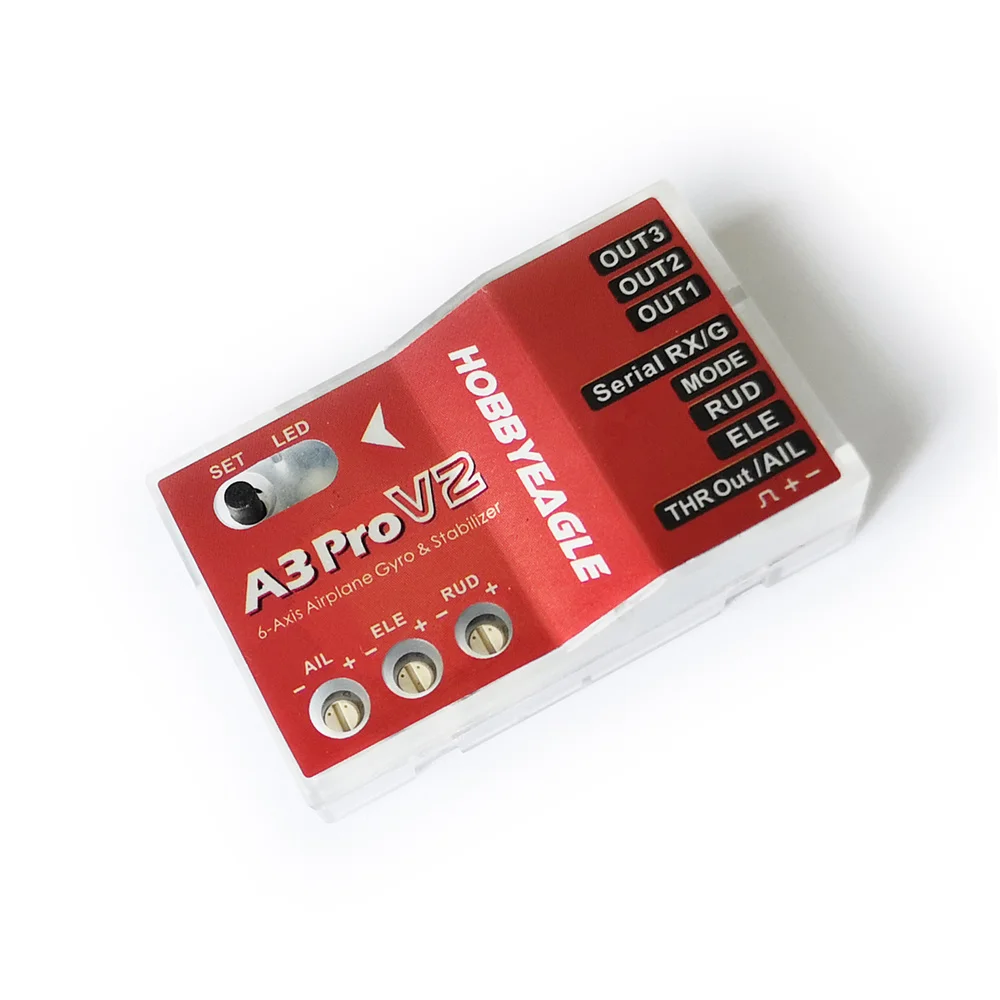
HobbyEagle A3 Pro V2 Flight Controller 6-axis Sensor FC Accelerometer Gyroscope PPM SBUS DSM DSMX for RC Fixed-wing Airplane
(SKU): HEA3PROV2
HobbyEagle A3 Pro V2 Flight Controller 6-axis Sensor FC Accelerometer Gyroscope PPM SBUS DSM DSMX for RC Fixed-wing Airplane
Διαθέσιμο
Άλλες πληροφορίες
Master controller:32-bit microprocessor
Sensors:High precision MEMS 6-axis sensor
Gyroscope range:+ 2000 DPS
Range of accelerometer:Plus or minus 4 g
PWM output specification:920uS ~ 2120uS, median 1520uS, frequency 50Hz ~ 333Hz
Operating voltage:4.8 V to 8.4 V
Operating temperature:-10 ℃ ~ 50 ℃
Overall dimensions:43 * 27 * 14 mm
Weight:10g (without connecting wire)
Support standard PWM receiver, PPM and a variety of protocols digital serial receiver;
32-bit processor, high-precision 6-axis MEMS sensor, perfect hardware design and stable new firmware, to provide more reliable performance;
6 flight modes: gyroscope off mode, normal stability enhancement mode, attitude lock mode, Angle mode, automatic balance mode and automatic crane mode;
3 airfoils: conventional fixed wing, delta wing (flying wing), V-tail hybrid control
Aileron, lifting, direction three axis sensitivity independent adjustment;
Remote Master Gain Remote total sensitivity control;
* The firmware can be upgraded (special data cable is required);
Supported serial receiver protocols:
PPM serial receiver
Futaba S.Bus, Frsky SBUS, Radiolink SBUS and WFLY WBUS
The Spektrum DSM/DSMX 1024 satellite receiver
The Spektrum DSM/DSMX 2048 satellite receiver
Spektrum SRXL
Multiplex SRXL / JR XBUS Mode B
Graupner SUMD
FlySky iBus
Example of standard PWM receiver connection:
Note:
[MODE] is the flight MODE control channel, and a three-stage switch channel on the remote control is used to switch modes;
[Serial RX/G] is a remote total sensitivity control channel. A scale knob or dial lever on the remote controller can be used for remote total sensitivity adjustment in flight, or a switch can be used for total sensitivity switching.
The electric adjustment or throttle steering gear is directly connected to the throttle channel of the receiver, without the need to go through the gyroscope;
When connecting, pay attention to the polarity of the signal line to avoid reverse insertion. Whether it is input or output channel, the orange signal line is facing up.

Serial receiver connection example
The A3 Pro V2 supports PPM and multi-protocol digital Serial receiver single-wire connection. If you use these receivers, just connect the output signal of the receiver to the [Serial Rx /G] interface of the gyroscope. When using a single-wire receiver, the A3 Pro V2 will use the default channel mapping table for channel identification. If the default channel sequence is different from the channel definition on your remote control, you will need to reset the channel mapping in the receiver menu. When using a standard PWM receiver, this channel mapping table does not work. When the A3 Pro V2 is operating in single-wire receiver mode, [THR OUT /AIL] outputs the throttle channel signal. If you are using a mini-receiver that does not have a separate output channel, you can connect the electrical or throttle steering gear to this interface.
Note:
The remote total sensitivity function is disabled by factory default in the single-wire receiver mode. If you need to use this function, please assign a corresponding channel number for the remote total sensitivity channel in the receiver menu.
When connecting, pay attention to the polarity of the signal line to avoid reverse insertion. Whether it is input or output channel, the orange signal line is facing up.
If Spektrum's satellite receivers are used, a separate dedicated adapter will be required to connect to the A3 Pro V2.

The Settings menu
Enter the menu
In the standby state, hold down the button for more than 2 seconds, and when the white light flashes quickly, release the button to enter the setting menu. The Settings menu contains 10 Settings items, which usually only need to be set once after the installation is completed and do not need to be changed frequently.
Select Settings Project
After entering the setting menu, the number of flashes of the white light represents the number of the current project, and it will automatically switch to the next project every 3 seconds, and keep repeating. For example, the white light flashes once, indicating that the first item is "airfoil setting". Wait 3 seconds, the white light flashes twice, indicating that the second item is "installation direction setting", and so on.
Change option values
When you reach the desired project, press the button once to enter the current setting item, after entering, the color of LED represents the current setting value, press the button once to switch to the next value, after modification is completed, wait about 5 seconds, LED will flash quickly to indicate that the current selected value has been automatically saved and returned to the setting menu; If you don't want to make the changes, just leave the current setting and wait 5 seconds to exit automatically.
Exit menu
Long press the button in the setting menu for 2 seconds until the white light flashes quickly and release the button to exit the setting menu and return to standby state.

Receiver menu
Enter the menu
Switch on the gyroscope power while holding down the button. When the purple light is on, release the button to enter the receiver menu. In the Receiver menu, you can change the receiver type and define the channel for the single-wire receiver mode.
Select Settings Project
After entering the receiver menu, the number of flashes of the purple light represents the number of the current item, and it will automatically switch to the next item every 3 seconds, and continue to cycle. For example, the purple light flashes once, that is the first item "receiver type selection", wait for 3 seconds, the purple light flashes twice, that is the second item "aileron channel setting", and so on;
Change option values
Short press the button once to enter the corresponding setting item, after entering the LED color represents the current setting value, short press the button once to switch to the next value, after the selection is completed, wait for about 5 seconds, the LED will flash quickly to indicate that the current selected value has been automatically saved and returned to the receiver menu; If you don't want to make changes, just leave the current setting and wait 5 seconds to exit automatically.
Exit menu
In the receiver menu, long press the button until the purple light flashes quickly and release the button to exit the receiver menu. After exit, the gyroscope will be reinitialized. Therefore, the receiver type or channel definition can take effect immediately without restarting.